



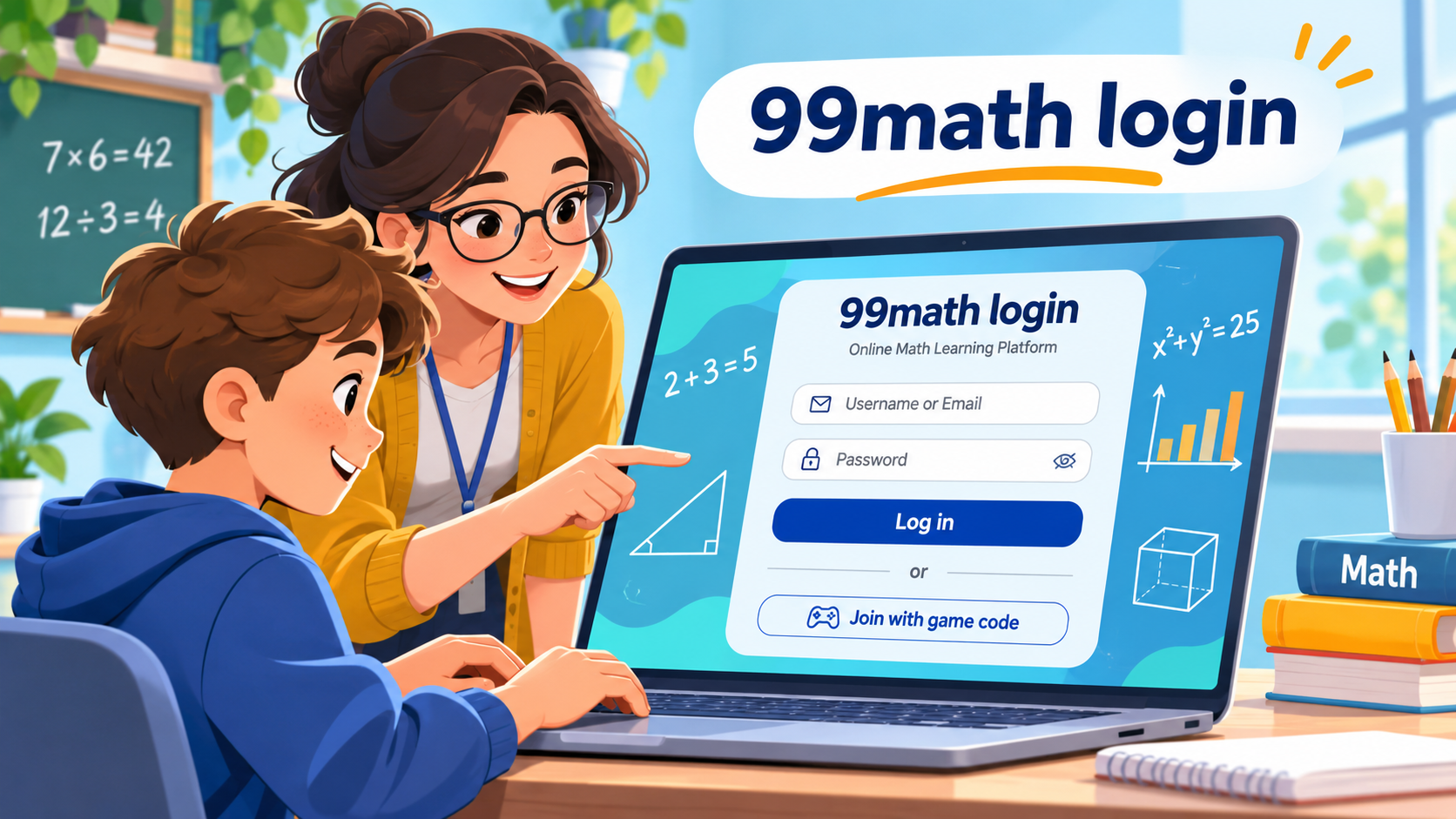
The 99math login process allows teachers and students to access an interactive educational platform designed to make mathematics practice more engaging. To sign in, visit the official website at www.99math.com and use your registered account credentials or supported sign-in method. Students who only want to participate in a live classroom game can visit join.99math.com and enter a game code without creating an account. The platform supports classroom activities, independent practice, assignments, and student performance tracking.
| Feature | Details |
|---|---|
| Platform Name | 99math |
| Official Website | www.99math.com |
| Game Joining Website | join.99math.com |
| Platform Type | Game-based mathematics learning |
| Target Audience | Students, teachers, and parents |
| Grade Levels | Kindergarten through Grade 8 |
| Login Methods | Email, username, Google, and Clever, depending on account type |
| Student Account Required | Not required for live group games |
| Learning Modes | Group practice, individual practice, and assignments |
| Pricing | Free core features with optional premium upgrades |
| Support Email | hello@99math.com |
What Is 99math?
99math is an online mathematics practice platform that combines educational exercises with interactive multiplayer games. It helps students develop mathematical fluency through repeated practice while giving teachers access to classroom performance information.
The platform covers fundamental mathematics skills, including addition, subtraction, multiplication, division, and grade-specific curriculum topics. Teachers can select activities according to their students’ learning levels and classroom objectives.
According to the official 99math Help Center, the platform supports kindergarten through eighth grade. Students can participate in classroom competitions, complete assignments independently, and continue practicing mathematics at home.
Rather than replacing traditional mathematics instruction, 99math works best as a supplementary practice resource that reinforces previously taught concepts.
How to Access 99math Login
Accessing your 99math account depends on whether you are a teacher, a registered student, or someone joining a live game. Understanding these differences can help you avoid unnecessary registration and login difficulties.
99math Login for Teachers
Teachers need an account to organize classroom games, manage students, create assignments, and review performance reports.
Follow these steps to access your account:
- Open www.99math.com.
- Select the login or sign-in option.
- Enter your registered email address and password or choose your supported sign-in method.
- Complete the authentication process.
- Access your teacher dashboard.
New teachers can register through the official website and create a teacher account before organizing classroom activities.
Teachers can also import classroom rosters from Google Classroom or Clever. This allows students to access their accounts using their existing school credentials.
99math Login for Students
Students with registered accounts can sign in to access assigned activities and maintain their learning progress.
To access a student account:
- Visit the official 99math website.
- Open the sign-in page.
- Enter the username and password associated with your account.
- Alternatively, select Google or Clever if your account uses either service.
- Continue to your student dashboard.
Students whose accounts were created by their teachers should use the credentials provided by their school.
Using an existing student account helps connect classroom game results and assignments to the correct student profile.
How to Join a 99math Game Without Logging In
One of the most convenient features of 99math is that students do not need registered accounts to participate in live group games.
Teachers generate a game code when preparing a classroom activity. Students can use that code to enter the game directly from their devices.
Follow these instructions:
- Visit join.99math.com.
- Enter the game code displayed by your teacher.
- Provide your name when prompted.
- Wait for the teacher to begin the activity.
- Answer the mathematics questions presented during the game.
Students may also scan the QR code displayed on the teacher’s screen when available.
According to the official game joining instructions, registered students can enter a game code directly from their existing dashboard.
Joining without an account is suitable for occasional classroom activities, while signing in is recommended when students want their results saved to their profiles.
How Teachers Can Host a Game on 99math
After completing the login process, teachers can organize mathematics games based on specific classroom learning objectives.
Teachers begin by opening the Group Practice section and selecting their class. They can then choose a mathematics category, grade level, and skill. Available game settings include duration, rounds, and individual or team-based competition.
Once the activity is ready, the teacher selects Play LIVE to generate the game lobby and joining code. Students enter the code on their devices, and the teacher starts the session when enough participants have joined.
During the activity, students solve mathematics problems while competing with classmates. Afterward, teachers can review performance information to identify common mistakes and skills that require additional practice.
More detailed instructions are available in the official group game creation guide.
Key Features Available After 99math Login
Registered users can access several educational features that support classroom learning and independent mathematics practice.
Live Multiplayer Games
Live games allow students to practice mathematics together. Teachers control the selected topic and game settings, helping them match each activity to classroom learning requirements.
These sessions can be particularly useful for lesson warm-ups, revision exercises, and short mathematics practice activities.
Individual Practice and Assignments
Teachers can create assignments targeting particular mathematics skills. They can customize the number of problems or practice duration and distribute activities to an entire class or selected students.
Students who are signed in receive their assigned activities through their accounts. Teachers can also share assignments through Google Classroom.
Student Performance Reports
99math provides reports that help teachers understand how students performed during mathematics activities.
Teachers can use this information to identify frequently missed questions, recognize improvement, and determine which topics require further explanation.
However, performance in a timed game should not be treated as a complete measure of mathematical understanding. Written exercises, classroom discussions, and other assessments remain important.
Classroom Management
Teachers can create classes manually or import existing rosters from Google Classroom and Clever. Organized classroom accounts make it easier to distribute assignments and monitor individual student progress.
The platform also allows teachers to help students recover passwords associated with eligible accounts.
How to Reset Your 99math Password
Forgetting your password does not necessarily mean you need to create another account. The appropriate recovery method depends on how your account was registered.
Users who registered with an email address can select the Forgot password? option on the login page and follow the recovery instructions.
Students using teacher-created username and password accounts should ask their teachers for assistance. Teachers can locate the student within the Classes section and view or reset the password.
Students who authenticate through Google or Clever should continue using their original sign-in provider rather than attempting to reset a separate 99math password.
Parents who need additional assistance can consult the 99math account recovery instructions or contact hello@99math.com.
Common 99math Login Problems and Solutions
Occasionally, users may experience difficulties accessing their accounts or joining classroom activities. The following solutions can help resolve common problems.
Incorrect Username or Password
Check your login credentials carefully, including spelling, capitalization, and accidental spaces. Students should confirm that they are using the account information provided by their teachers.
Invalid Game Code
Make sure you have entered the correct code for the current classroom session. If the code is not accepted, ask your teacher to confirm that the game is available.
Remember that a game code provides access to an activity rather than serving as an account password.
Website Not Loading
Check your internet connection, refresh the page, and ensure JavaScript is enabled in your browser. Trying an updated browser may also help identify browser-related problems.
School Network Restrictions
Some school networks restrict access to external educational services. If 99math works outside school but fails on the school network, contact your school’s technology administrator.
The platform provides an official Health Check tool to help identify connectivity problems.
Is 99math Free to Use?
99math offers free core educational features for teachers and schools. These include group practice, individual exercises, assignments, classroom management, and performance reports.
The platform also offers optional premium upgrades with additional features. Users do not need to purchase these upgrades simply to access standard classroom activities.
For current subscription information, visit the official 99math Premium page.
Frequently Asked Questions
Can I use my school Google account to log into 99math?
Yes. Students whose accounts are connected through Google Classroom can use their associated Google accounts to sign in. Clever authentication is also supported.
Can parents help verify a child’s 99math account?
Yes. Parents can complete the account verification process when required. According to the platform’s support documentation, accounts created by teachers are automatically verified, while parent-created accounts require additional verification.
Can students complete 99math assignments at home?
Yes. Students can access assigned mathematics activities outside the classroom using their registered accounts and an internet connection.
Do teachers need to create their own mathematics questions?
No. Teachers can select existing mathematics skills and curriculum topics when creating games. The platform also supports custom game creation for teachers who want greater control over their practice activities.
Conclusion
99math login provides teachers and students with access to interactive mathematics games, classroom assignments, and performance tracking. Registered accounts are particularly useful for maintaining student progress, while game codes allow quick participation without registration.
Whether you are organizing a classroom competition or completing mathematics exercises at home, using the official 99math website and the correct sign-in method is the simplest way to get started.
